Using Vive Tracker w/o HMD on macOS
- Install Steam app for mac
- Install SteamVR and enable Beta Participation
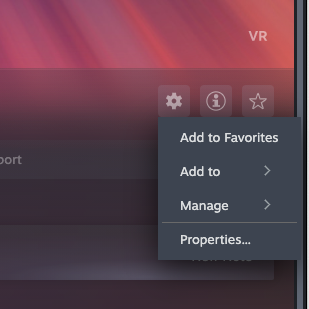
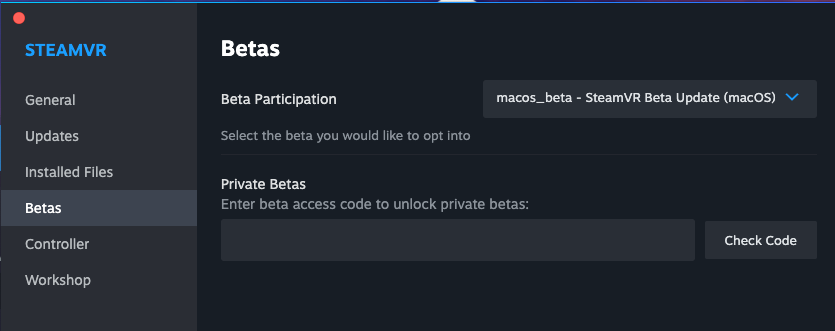
- Following this instruction, rewrite some config JSONs in the SteamVR app directory
~/Library/Application Support/Steam/steamapps/common/SteamVR/SteamVR.app/Contents/MacOS/runtime- In
./resources/settings/default.vrsetting, modify the following properties:"requireHmd" : false,
"activateMultipleDrivers" : true,
"forcedDriver": "null",
- Modify
./drivers/null/resources/settings/default.vrsettings as well."enable" : true,
- Connect the dongle to the mac. Don’t need to use the included USB-A to C adapter.
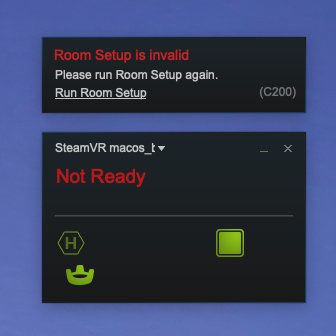
- When succeed, the SteamVR should look like this. It doesn’t matter the status is still “Not Ready“.