HoudiniでGコードを編集する (Scratchpad)
This page is a personal scratchpad.
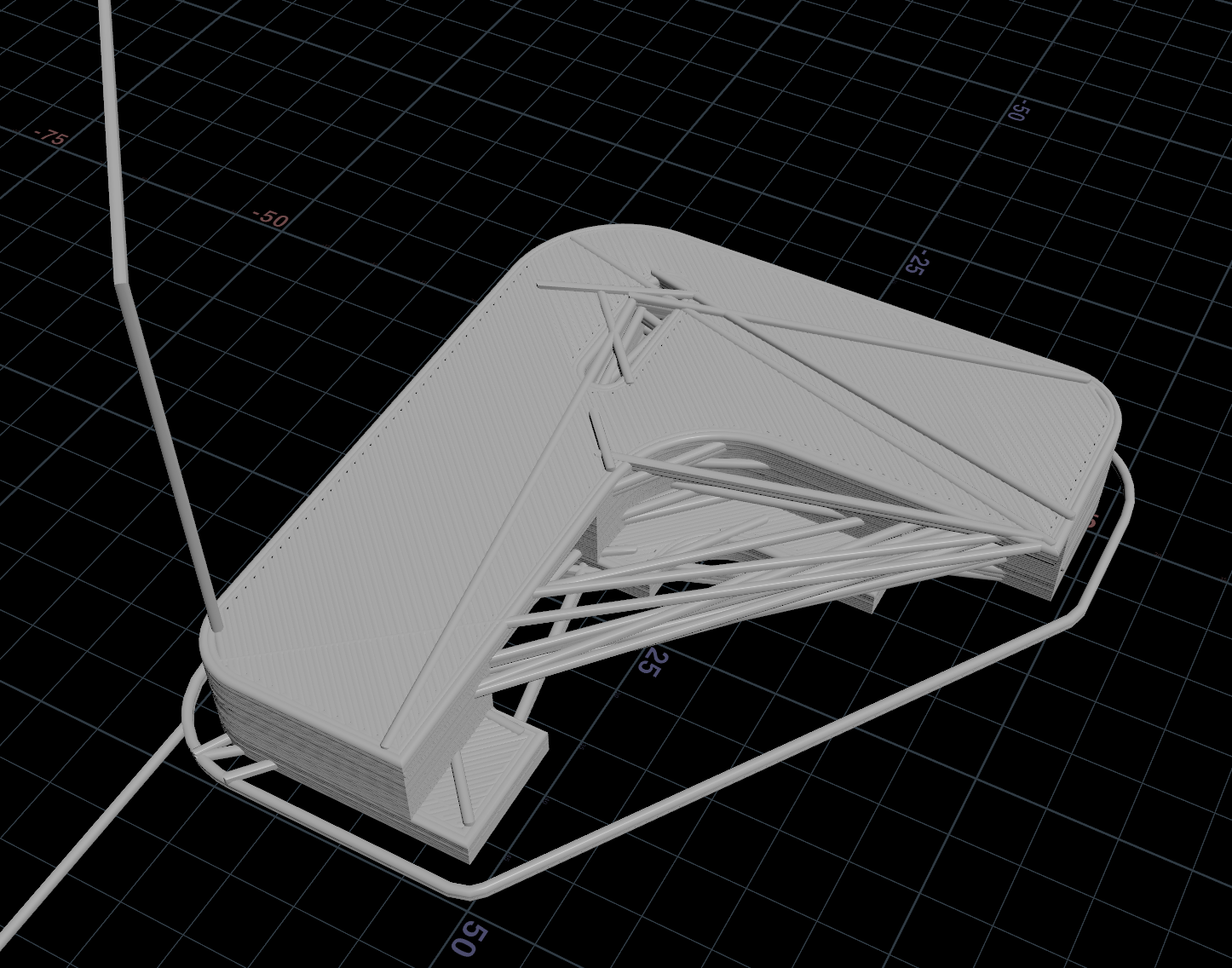
- Gコード関係のHDAまとめ
- https://github.com/baku89/nops
- Load G-Code: Gコードからポリライン
- Save G-Code: まだ作ってない
- https://github.com/baku89/nops
- ポリラインのフォーマット
- サンプル bgeoです!!!
- 全てG0, G1(リニア移動)と見做す
- G3, G4(円弧移動)はsubdivideしてリニア移動に
- リニア移動の度に頂点追加
- それ以外のフィードレートを変える、温度を変えるといったコマンドは無視する
- なるたけロスレスでGコードのデータを抑えられるよう、頂点に関係のないGコード、Mコードや、コメントは
pre_gcode、post_gcodeに文字列として突っ込むpre_gcode + (P, E, F属性などに保存されている頂点データ) + post_gcodeみたいな感じで連結していくと、(円弧コマンドを除き)完全に元のGコードが復元される
- 最後の頂点以降のテキストは、Detail attributeに
after_gcodeとして追加 - この辺を見てもらえたら...
   # GeometryにGコード関連の属性を追加
    attribRefs = {
        # E軸 = エクストルーダー
        'E': geo.addAttrib(hou.attribType.Point, "E", 0.0),

        # F = FeedRate
        'F': geo.addAttrib(hou.attribType.Point, "F", 0.0),

        # 進捗(%)
        'progress': geo.addAttrib(hou.attribType.Point, "progress", 0.0),

        # 残り分数(min)
        'remaining': geo.addAttrib(hou.attribType.Point, "remaining", 0.0),

        # G Codeのタイプ(Skirt/Brim, Perimeter, External perimeter, Internal infill...)
        'feature_type': geo.addAttrib(hou.attribType.Point, "feature_type", ""),

        # ノズル幅
        'nozzle_diameter': geo.addAttrib(hou.attribType.Point, "nozzle_diameter", 0.0),

        # 最後のコマンドの次の行の頭から、現在のコマンドまで。最後の改行 \n を含む
        'pre_gcode': geo.addAttrib(hou.attribType.Point, "pre_gcode", ""),

        # 現在の行から
        'post_gcode': geo.addAttrib(hou.attribType.Point, "post_gcode", "\n"),

        # レイヤー
        'layer_index': geo.addAttrib(hou.attribType.Point, "layer_index", 0),
    }