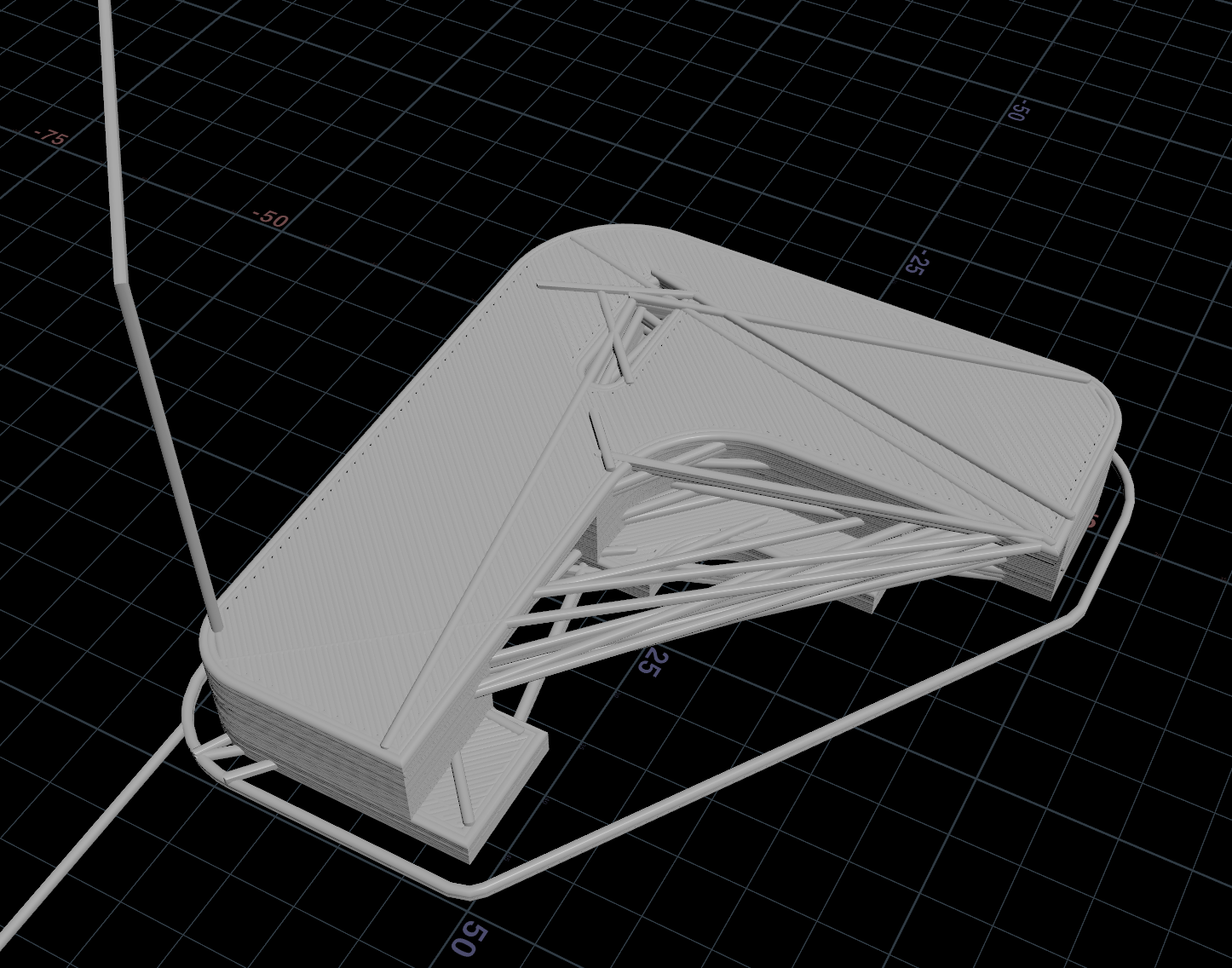
# GeometryにGコード関連の属性を追加
    attribRefs = {
        # E軸 = エクストルーダー
        'E': geo.addAttrib(hou.attribType.Point, "E", 0.0),

        # F = FeedRate
        'F': geo.addAttrib(hou.attribType.Point, "F", 0.0),

        # 進捗(%)
        'progress': geo.addAttrib(hou.attribType.Point, "progress", 0.0),

        # 残り分数(min)
        'remaining': geo.addAttrib(hou.attribType.Point, "remaining", 0.0),

        # G Codeのタイプ(Skirt/Brim, Perimeter, External perimeter, Internal infill...)
        'feature_type': geo.addAttrib(hou.attribType.Point, "feature_type", ""),

        # ノズル幅
        'nozzle_diameter': geo.addAttrib(hou.attribType.Point, "nozzle_diameter", 0.0),

        # 最後のコマンドの次の行の頭から、現在のコマンドまで。最後の改行 \n を含む
        'pre_gcode': geo.addAttrib(hou.attribType.Point, "pre_gcode", ""),

        # 現在の行から
        'post_gcode': geo.addAttrib(hou.attribType.Point, "post_gcode", "\n"),

        # レイヤー
        'layer_index': geo.addAttrib(hou.attribType.Point, "layer_index", 0),
    }